

Codex Crash Course
Learn how to use Codex and AI tools to create practical business materials, organize projects, and build real assets faster. Beginner-friendly. No coding background required.
NETALYT
Learn how to use Codex and AI tools to build practical business assets like websites, documents, spreadsheets, PDFs, presentations, and simple workflows. No developer background needed.
This course is project-based. You don't just watch. You build things you can actually use, then keep using them after the course ends.
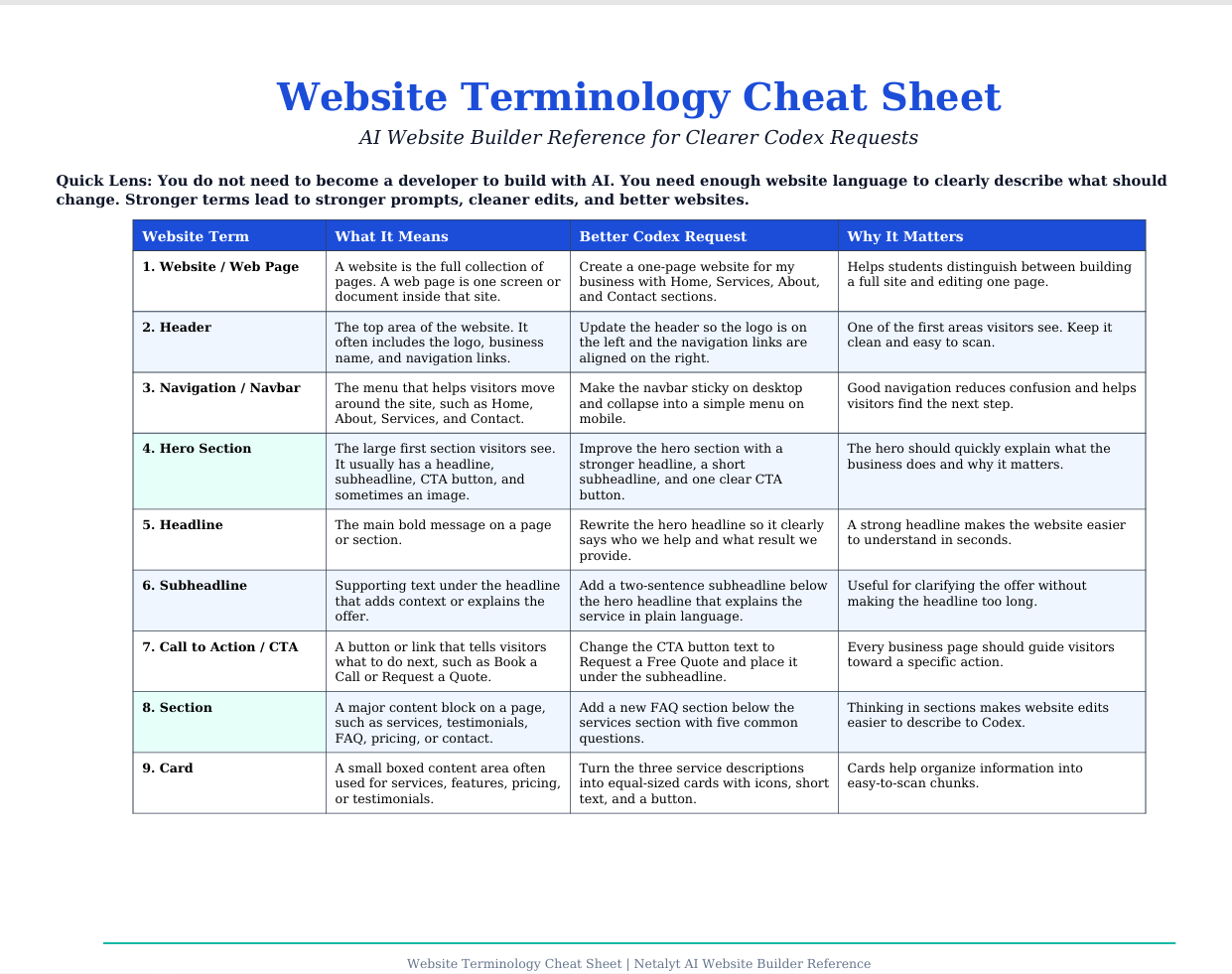
Create and edit a working website using AI assistance, without touching code from scratch.
Generate checklists, reference documents, and shareable guides your clients and team can actually use.
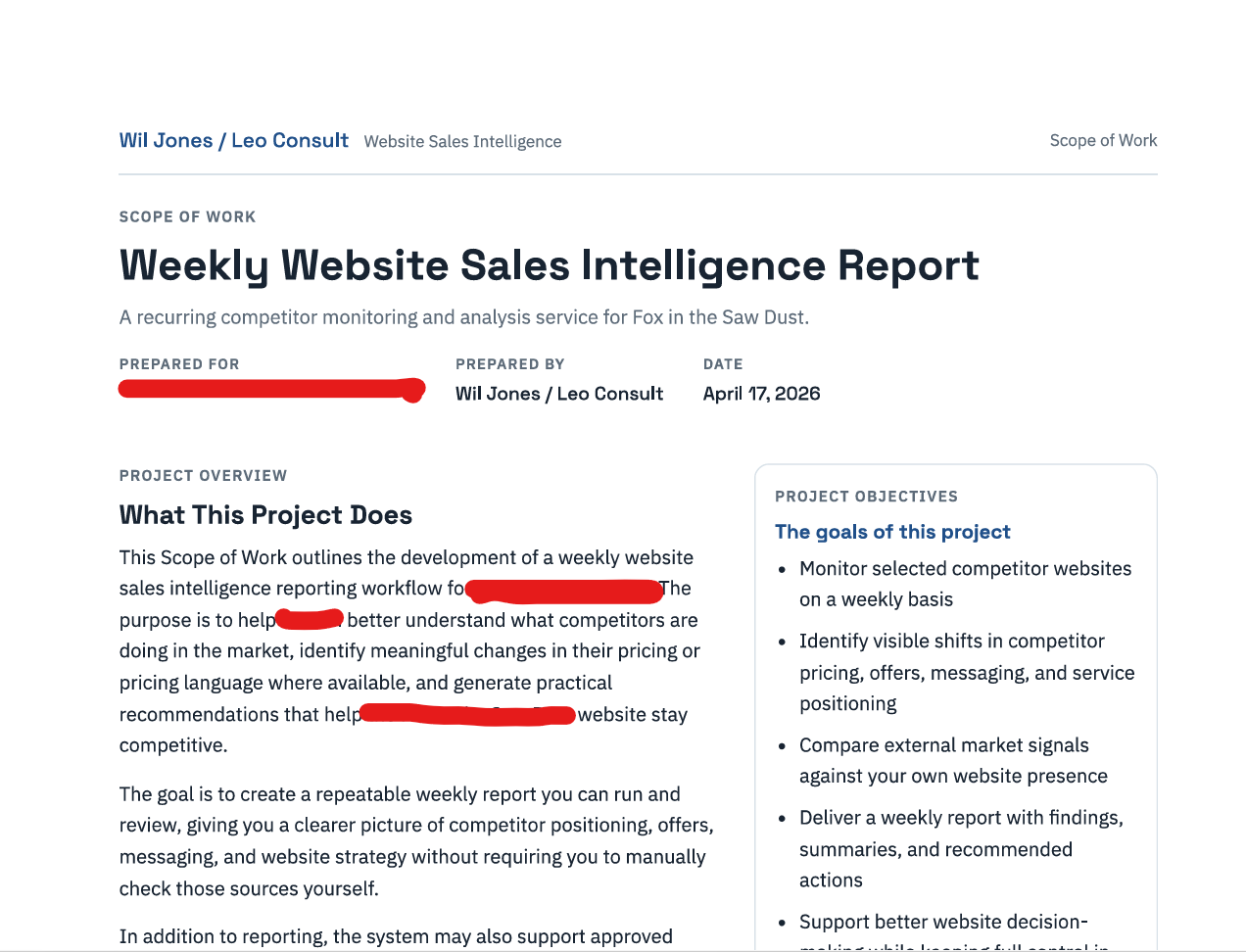
Draft proposals, reports, summaries, and other professional documents with AI doing the heavy lifting.
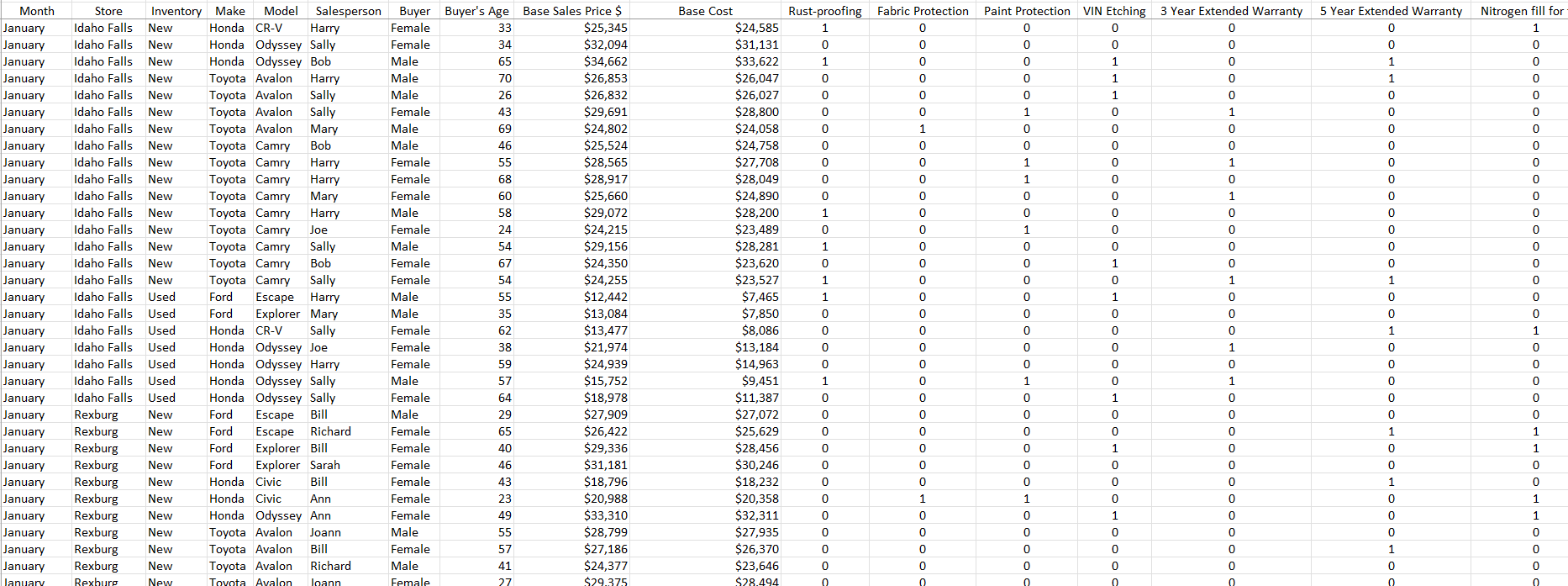
Clean, organize, and present data without becoming a spreadsheet expert first.
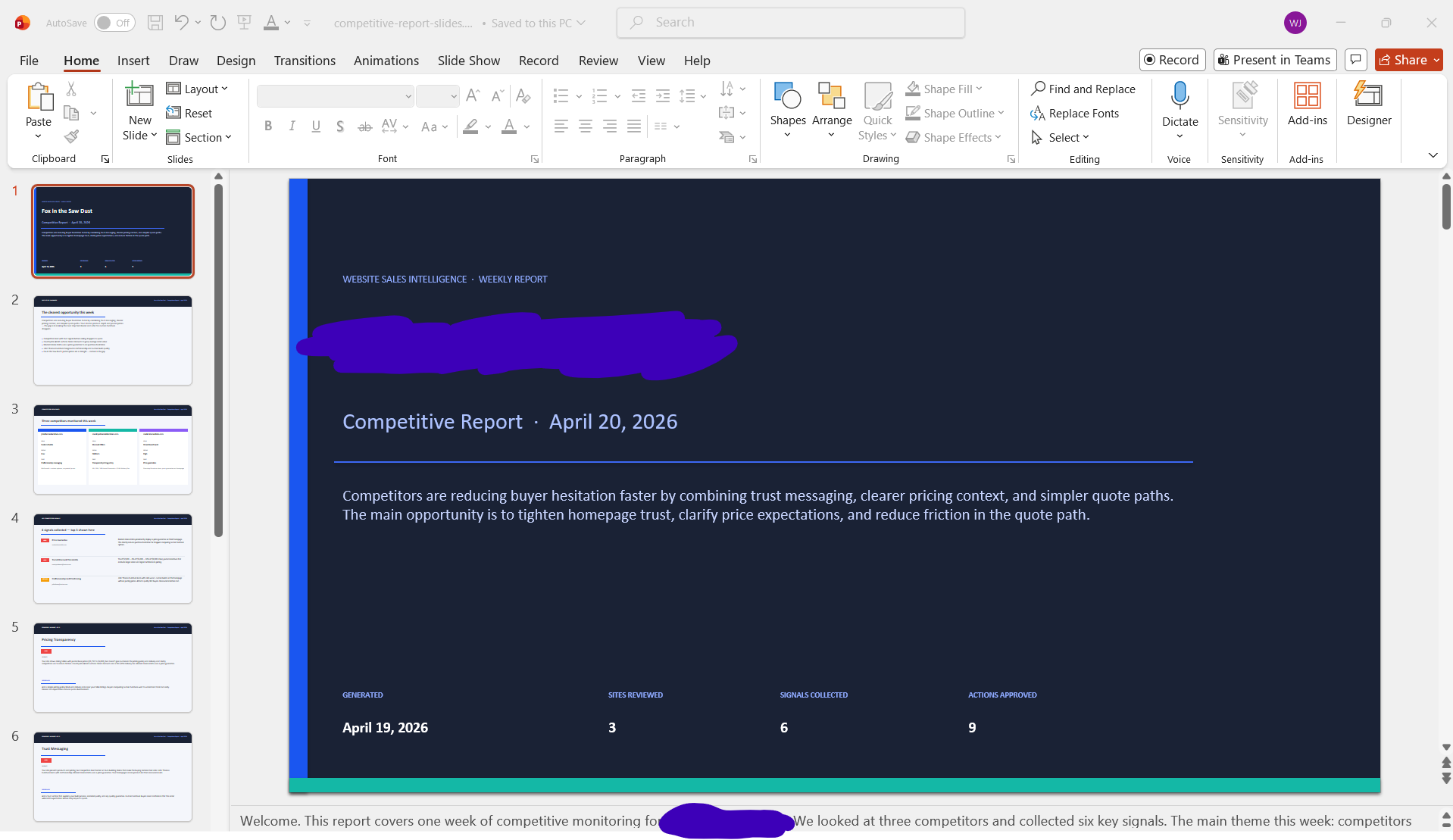
Put together clear, professional slide decks and pitch materials using AI to structure and write them.
Learn how to set up your projects so AI tools know what you're building and can help you faster.
You've had the conversations. Now you want to make things you can actually share, sell, or use at work.
You want practical AI skills that apply to your actual work, not a generic tech demo.
Less time on formatting and drafting. More time on the work that actually matters.
We teach the terms you need and skip the ones you don't. Clear language throughout.
No endless rabbit holes. Each module ends with something done.
One focused course. Practical from the first lesson. Built for people who want to use AI tools to create real business materials.
Learn how to use Codex and AI tools to create practical business materials, organize projects, and build real assets faster. Beginner-friendly. No coding background required.
Seven modules. Each one builds on the last and ends with something you can use right away.
Understand what Codex is, how agents differ from chatbots, and the mental model behind every Codex workflow: Prompt, Context, Files, Tools, Permissions, Preview, Automation.
Learn the 9-element prompt formula for AI agents. Write prompts with goals, context, file references, constraints, approval rules, output formats, and verification steps.
Build a clean, organized project folder. Separate source files from outputs, create a review folder, and set up naming conventions that keep AI work predictable.
Use Codex to turn notes and briefs into PowerPoint outlines, PDF handouts, and Word proposals. Learn the prompts for each document type and how to review before trusting.
Inspect, clean, and analyze business data with Codex. Create KPI summaries, chart recommendations, and plain-English business reports from CSV and spreadsheet exports.
Plan, build, preview, and QA a simple business landing page using Codex. Write your brief, generate responsive HTML, run a visual QA pass, and make targeted revisions.
Turn a proven workflow into a reusable skill. Add an automation schedule. Learn the permission levels and safety checklist that keep Codex from doing things you didn't intend.
This course isn't theoretical. It comes directly from the AI workflows we use to build websites, write documents, create reports, organize data, and produce business materials. The goal isn't to teach you AI in the abstract. It's to help you build things you can actually use starting with the first module.
Create a free account to preview the first lesson. When you're ready, you can upgrade to the full Codex Crash Course for $47.
Already have an account? Sign in here